IP addresses and ports
Computers need an addressing system to communicate. We compared HTTP messages to letters: just as a letter needs the right destination address, an internet message needs to identify where it should go.
IP addresses
An IP (Internet Protocol) address identifies a device or network interface so that data can be routed to it.
A familiar form is 192.168.0.1: four numbers separated by dots, each ranging from 0 to 255. This format is called IPv4 (IP version 4) and has been widely used for many years.
With 256 possibilities in each position, IPv4 can represent 256 × 256 × 256 × 256, or 4,294,967,296 addresses—about 4.3 billion.
Port numbers
Communication happens between programs, not just computers. After finding a computer by its IP address, a client still needs to identify the program it wants to reach. A port number helps do that.
Think of an apartment building. The street address gets you to the building, but you also need an apartment number to reach a particular resident. Similarly, one computer can run a web server, database, and mail server at the same time. Ports distinguish their network endpoints.
flowchart LR
    client[Client] -->|IP address + port| server[Server]
    server --> web[Web server<br>Port 123]
    server --> database[Database<br>Port 456]

    classDef client fill:transparent,stroke:#8eb7c2,stroke-width:2px
    classDef server fill:transparent,stroke:#d0a476,stroke-width:2px
    class client client
    class server,web,database server
In this simplified picture, the IP address tells you which computer, and the port tells you which program on that computer.
Writing port numbers
For an IPv4 address, put a colon (:) before the port. In 127.0.0.1:8000, the IP address is 127.0.0.1 and the port is 8000. Port numbers range from 0 to 65535. The ports in the diagram are illustrative, rather than standard web and database ports.
Common port numbers
Protocols have conventional default ports. HTTP normally uses port 80, and HTTPS normally uses port 443.
| Protocol | Default port | Typical service |
|---|---|---|
| HTTP | 80 | Web server |
| HTTPS | 443 | Web server with a secure connection |
Default ports in use
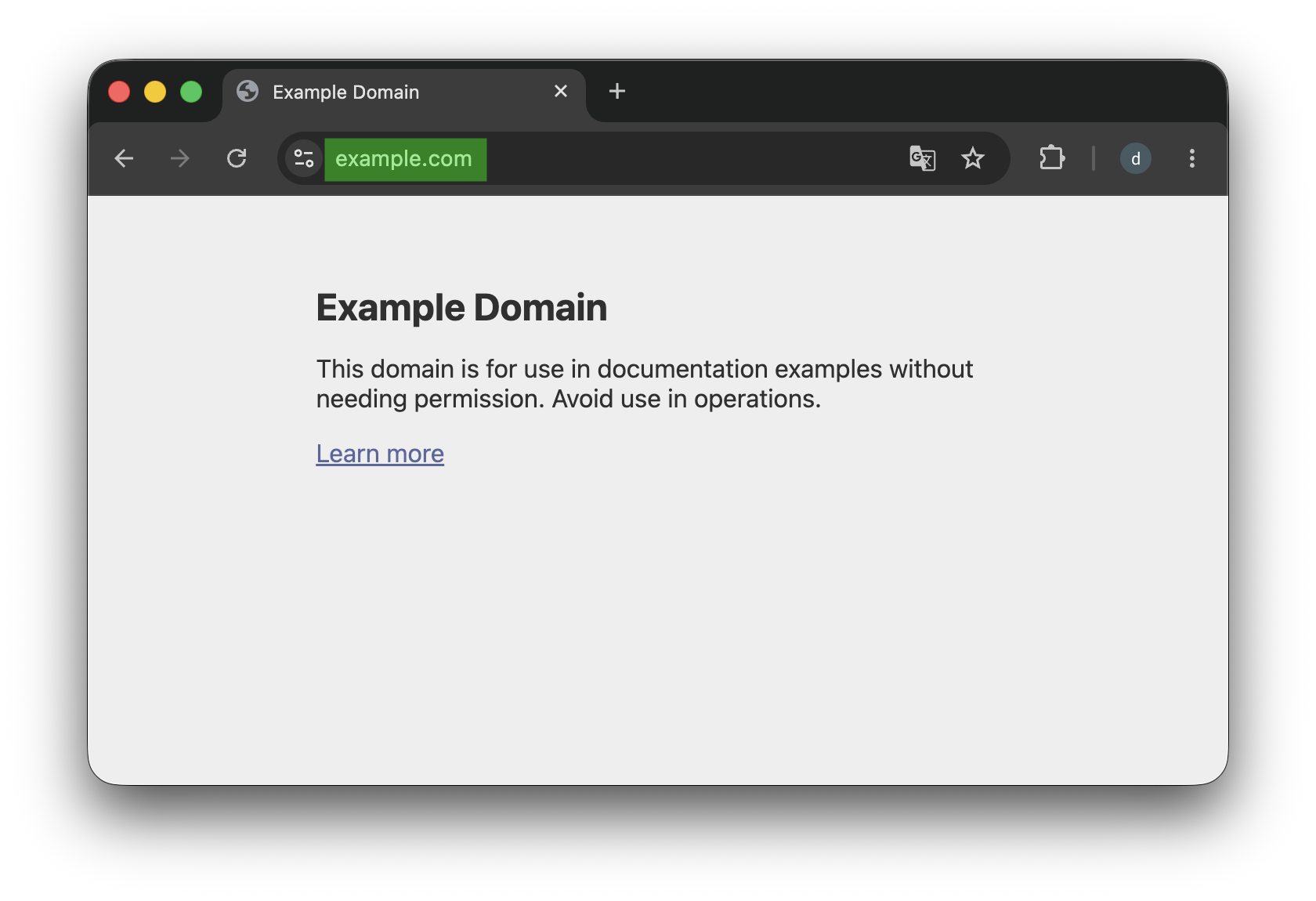
Enter https://example.com:443 in your browser. Once the page opens, the browser will normally omit :443 from the address bar because it is the default HTTPS port. Entering https://example.com without a port still uses 443.
You can also inspect this with curl.
curl -v https://example.com
curl.exe -v https://example.com
Near the beginning of the output, look for a line similar to:
* Connected to example.com (...) port 443
Because the address begins with https://, curl uses port 443 even though you did not specify a port explicitly.
Exercises
Decide whether each statement is True or False.
- An IP address alone identifies a specific program running on a computer.
- The default HTTPS port is 443.
- A browser still uses a port when the address does not display one explicitly.
Answers and explanations
- False — A port is also needed to reach the intended network service.
- True — HTTPS normally uses port 443.
- True — Default ports can be omitted from a URL, but they are still used for communication.